
AI image generators have changed how we create visual content. Designers, marketers, and content creators now produce professional visuals in seconds. But with dozens of tools available, choosing the right one can be confusing.
This guide compares the most popular AI image generator tools on the market. We examine their strengths, weaknesses, pricing, and ideal use cases. By the end, you will know exactly which tool fits your needs and budget.
How Do AI Image Generators Work?
AI image generators convert text descriptions into visuals. You write a prompt describing what you want. The AI analyzes your words and creates a matching image. This process takes anywhere from a few seconds to a couple of minutes.
These tools use machine learning models trained on millions of images. The models learn patterns in color, composition, style, and subject matter. They then apply this knowledge to generate new, original visuals based on your instructions.
Your prompt-writing skills directly affect the quality of results. Specific, detailed prompts produce better images than vague descriptions. Learning to write effective prompts is essential for getting the most from any best AI image generator tool.
1. Midjourney: The Industry Standard
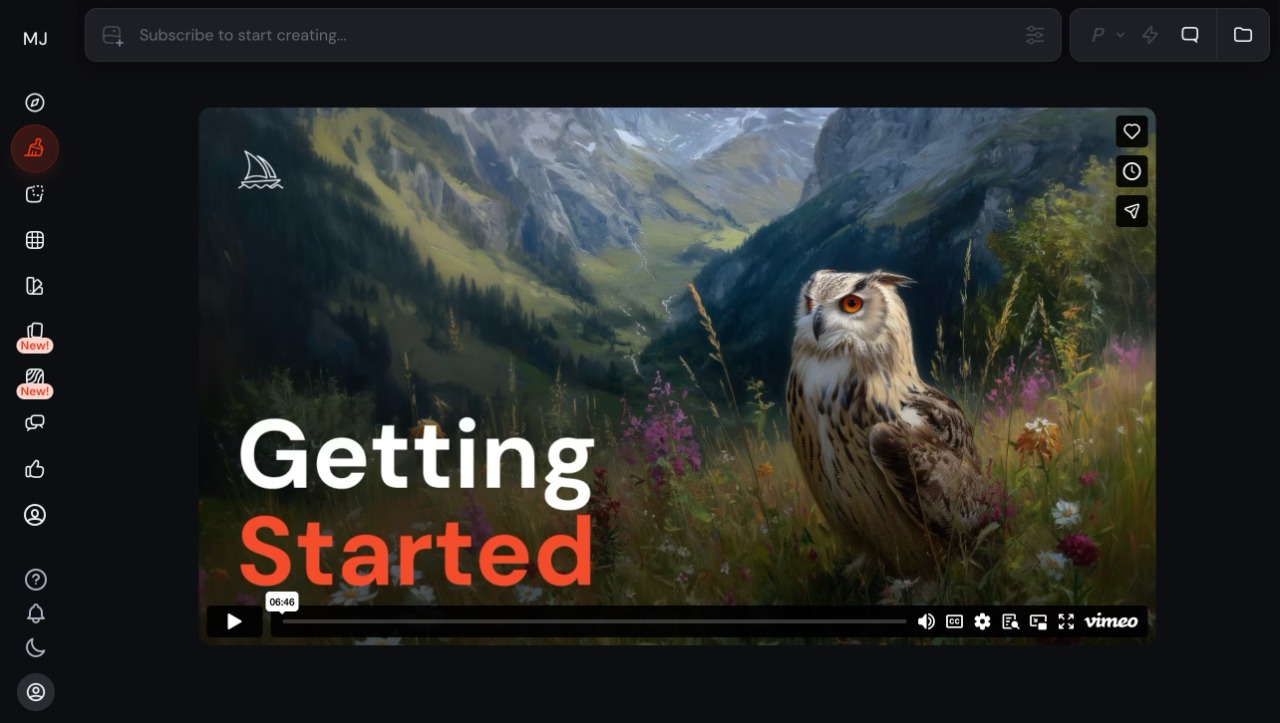
Midjourney has earned its reputation as the go-to choice for artistic and creative work. The platform consistently produces stunning visuals with rich colors and impressive detail. Version 7, released in April 2025, brought major improvements to the platform.
Key Features
Midjourney V7 introduced Draft Mode, which generates images 10 times faster at half the cost. This feature is perfect for brainstorming and rapid iteration. You can experiment with ideas quickly before committing to final renders.
The platform now includes voice prompting. Speak your ideas aloud and watch images appear in real-time. This conversational approach makes the creative process more natural and fluid.
Personalization is another standout feature. After rating 200 image pairs, Midjourney learns your aesthetic preferences. Future generations then align more closely with your taste. This saves time and produces more relevant results.
Style reference codes (sref) allow you to maintain visual consistency across projects. Save a style you like and apply it to future generations. This is valuable for brand work and ongoing creative projects.
Image Quality
Midjourney excels at artistic and stylized imagery. Textures, lighting, and atmospheric effects look exceptional. Human hands and body proportions have improved significantly in V7. The model handles complex scenes with multiple subjects well.
Photorealism has also improved. V7 produces images that can pass as real photographs in many cases. Skin textures, fabric details, and environmental elements look natural and convincing.
Pricing
Midjourney offers four subscription tiers. The Basic plan costs $10 per month and includes approximately 200 image generations. Standard costs $30 per month with unlimited relaxed generations.
Pro at $60 per month adds stealth mode and more fast hours. The Mega plan at $120 per month is for high-volume users.
There is no free tier. You must subscribe to use the platform. Annual billing provides a 20% discount on all plans.
Best For
Midjourney suits artists, designers, and creative professionals who prioritize visual quality. It excels at concept art, illustrations, marketing visuals, and artistic projects. The learning curve is moderate but rewarding.
2. DALL-E 3: Seamless ChatGPT Integration
DALL-E 3 from OpenAI integrates directly with ChatGPT. This makes it one of the most accessible AI image generators available. You describe what you want in natural language, and ChatGPT helps refine your prompt for optimal results.
Key Features
The conversational interface sets DALL-E 3 apart from other best AI image generator options. Chat naturally about your image needs. Ask for adjustments like “make it darker” or “add more flowers.” ChatGPT understands context and refines prompts automatically.
Text rendering is a major strength. DALL-E 3 produces readable text within images more accurately than most competitors. This makes it valuable for creating posters, social media graphics, and marketing materials with text elements.
The platform offers excellent prompt adherence. Describe specific details and DALL-E 3 includes them accurately. This precision is useful for commercial projects with exact requirements.
Image Quality
DALL-E 3 produces clean, polished images with good detail. The style tends toward realistic and illustrative rather than highly artistic. Colors are accurate and compositions are well-balanced.
Human figures generally look natural, though occasional inconsistencies occur. The model handles objects, products, and environments reliably. Output is consistently professional and usable.
Pricing
Free users can generate up to three images daily through ChatGPT. ChatGPT Plus at $20 per month significantly increases limits and provides priority access. This subscription also includes access to GPT-4 for text generation.
You can also access DALL-E 3 completely free through Microsoft Bing Image Creator. This provides 15 fast generations daily plus unlimited slower generations. This makes DALL-E 3 the most accessible premium AI image generator.
API access is available for developers at usage-based pricing. Costs start at $0.04 per image depending on quality and resolution settings.
Best For
DALL-E 3 suits beginners and users who want simplicity. The ChatGPT integration removes the learning curve associated with prompt engineering. It works well for marketing materials, social media content, and projects requiring text in images.
3.Leonardo AI: The Complete Creative Platform
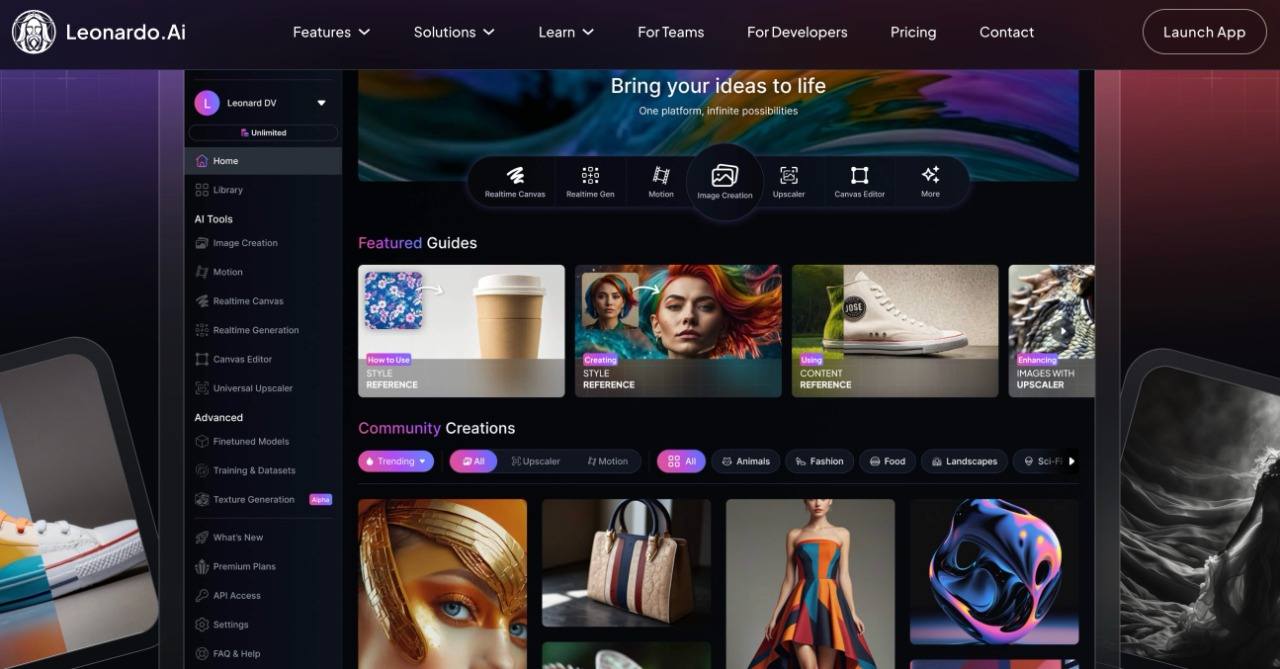
Leonardo AI positions itself as more than an image generator. The platform offers a comprehensive suite of creative tools including image generation, video creation, and 3D texture generation. Canva acquired Leonardo in July 2024, bringing additional resources and integrations.
Key Features
Leonardo provides access to multiple AI models. Choose from Phoenix, Flux, Stable Diffusion variants, and proprietary models. Each model has different strengths for various use cases. This flexibility lets you match the tool to your specific needs.
The Canvas feature enables advanced editing within generated images. Use AI-powered tools to modify specific areas, extend images, or blend multiple generations. This reduces the need for external editing software.
Motion 2.0 transforms still images into short videos. Generate an image and animate it with a few clicks. Frame rates and smoothness improved significantly in the April 2025 update.
Custom model training allows you to create personalized AI models. Upload reference images and train a model that understands your specific style or brand. This produces consistent results across large projects.
Image Quality
Leonardo delivers strong results across multiple styles. Photorealistic images look convincing with good detail. Artistic and stylized outputs offer creative flexibility. Game assets and 3D-ready textures are particular strengths.
The platform handles various image types well. Product photography, character design, concept art, and marketing visuals all produce professional results. Quality varies somewhat between different models.
Pricing
Free accounts receive 150 daily tokens. Basic generation costs around 1-2 tokens per image. Premium features like video generation cost more tokens per use.
Paid plans start at $12 per month for the Apprentice tier with 8,500 monthly tokens. The Artisan plan at $30 per month provides 25,000 tokens. Maestro at $60 per month offers 60,000 tokens plus priority processing.
Best For
Leonardo AI suits users who need multiple creative tools in one platform. Game developers, 3D artists, and marketing teams benefit from its versatility. The free tier is generous enough for casual users and testing.
4. Adobe Firefly: Commercial Safety First
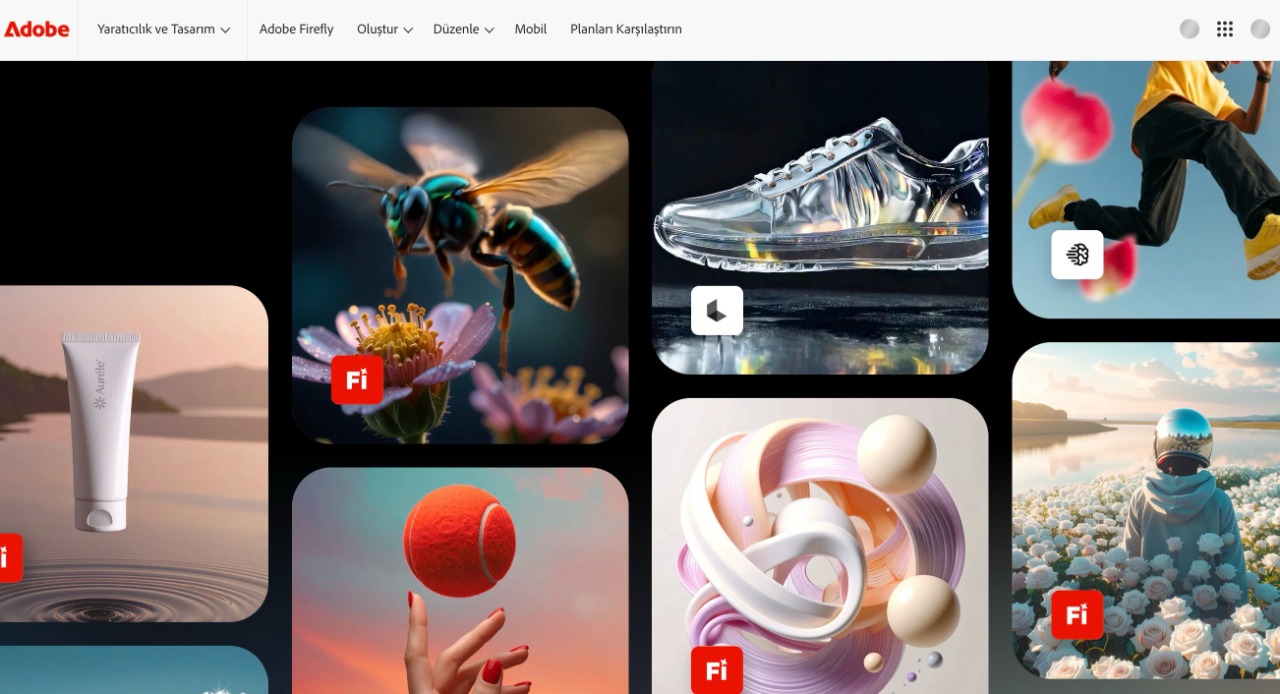
Adobe designed Firefly with commercial use as the priority. The platform trains exclusively on licensed Adobe Stock images and public domain content. This approach minimizes copyright concerns for business applications.
Key Features
Firefly integrates with Creative Cloud applications. Use Generative Fill in Photoshop or vector generation in Illustrator. These integrations streamline professional workflows significantly.
Content Credentials attach to all generated images. This metadata shows the image was AI-generated, promoting transparency. Businesses appreciate this accountability feature for compliance purposes.
Firefly Image Model 4, released in April 2025, delivers significant quality improvements. Prompt adherence is more accurate. Human figures, animals, and architectural elements render with greater precision.
Firefly Boards provide collaborative workspace for creative teams. Brainstorm ideas, generate variations, and organize assets in one space. The feature supports real-time collaboration with team members.
Image Quality
Firefly produces clean, professional images suitable for commercial use. Style leans toward polished and stock-photo-like rather than highly artistic. This aesthetic fits well with corporate and marketing needs.
Recent updates improved photorealism and detail. Lighting and color accuracy are strong points. The platform handles product imagery and lifestyle photography well.
Pricing
Free accounts can generate limited images with Firefly models. Creative Cloud subscribers get Firefly features included with their existing subscriptions. Premium plans offer more generations and access to partner models.
Firefly Premium costs $4.99 per month for 100 credits. Firefly Pro at $9.99 per month provides 500 credits. Enterprise pricing is available for organizations with high-volume needs.
Best For
Firefly suits businesses and professionals who need legally safe AI-generated content. Marketing agencies, corporate communications teams, and designers working on client projects benefit from the commercial licensing clarity.
5. Ideogram: Text Rendering Champion
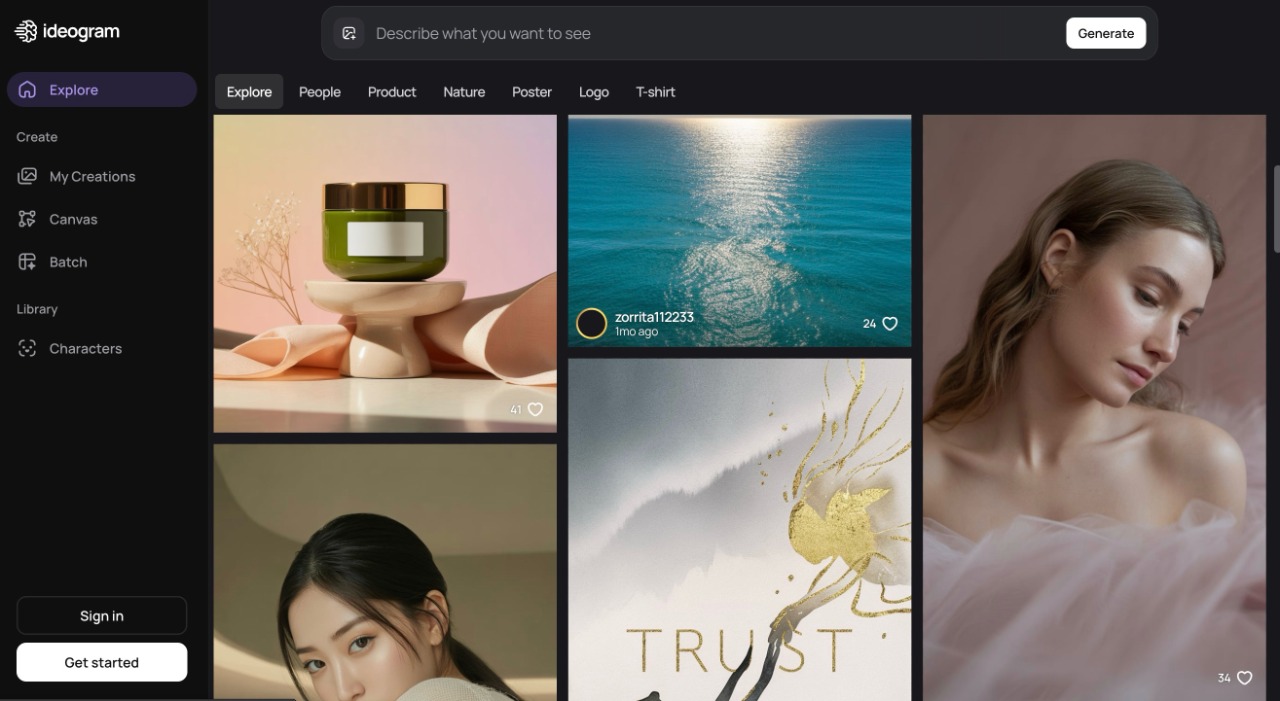
Ideogram launched in 2023 with a specific mission: solve the text rendering problem that plagued other AI generators. The platform excels at creating images with readable, accurate text. Version 3.0, released in March 2025, further improved these capabilities.
Key Features
Text rendering accuracy is the standout feature. Request a poster with specific words, and Ideogram spells them correctly. Text placement looks natural within compositions. This capability alone makes Ideogram valuable for many use cases.
The Canvas editor allows post-generation refinement. Fix text alignment, adjust design elements, or extend images with additional prompts. These editing tools rival standalone image editors.
Magic Prompt enhances basic descriptions automatically. Enter a simple prompt, and Ideogram expands it with relevant details. This helps users get better results without advanced prompt engineering skills.
Batch generation creates multiple variations simultaneously. Generate a set of poster designs or logo concepts in one operation. This speeds up the ideation process for design projects.
Image Quality
Ideogram produces vibrant, clean images with accurate colors. Version 3.0 brought major improvements in photorealism and lighting. Design-focused outputs like posters, logos, and marketing graphics look polished and professional.
Artistic variety is somewhat limited compared to Midjourney. The platform prioritizes precision over creative interpretation. This trade-off suits commercial and design applications well.
Pricing
Free accounts receive 10 daily credits. Each credit generates up to four images, allowing roughly 40 daily generations. Priority queue access and additional features require paid plans.
Basic costs $7 per month with 100 priority credits. Plus at $16 per month provides 400 credits. Pro at $48 per month offers 1000 credits plus unlimited slow generations.
Best For
Ideogram suits designers, marketers, and anyone creating visuals with text elements. Social media graphics, posters, advertisements, and branded content are ideal use cases. The free tier is generous for testing and light usage.
6. Stable Diffusion: Open Source Flexibility
Stable Diffusion takes a different approach as an open-source model. You can run it locally on your own hardware or access it through various online platforms. This flexibility attracts technically inclined users who want maximum control.
Key Features
Open-source availability means no subscription fees for local use. Download the model and run it on your own GPU. This eliminates per-image costs for high-volume users willing to invest in hardware.
Customization options are extensive. Fine-tune models on your own datasets. Install community-created extensions and modifications. Adjust parameters that commercial platforms keep locked down.
Multiple platforms offer hosted Stable Diffusion access. NightCafe, Leonardo AI, and RunPod provide web interfaces for the model. This allows using Stable Diffusion without technical setup.
SDXL and Stable Diffusion 3.5 represent the latest versions. These models produce higher resolution images with improved detail. Text rendering has also improved in recent versions.
Image Quality
Quality varies based on which version and settings you use. Properly configured SDXL produces results competitive with commercial tools. The model handles diverse styles from photorealistic to artistic.
Consistency can be challenging. Results vary more between generations than with commercial platforms. This requires more iteration to achieve desired outcomes.
Pricing
The model itself is free to download and use. Hardware costs are the main expense for local deployment. A capable GPU (RTX 4070 or better) costs $500-$1,600 depending on specifications.
Cloud platforms charge usage-based fees. RunPod starts at approximately $0.002 per image. NightCafe offers credit-based pricing with free daily allocations.
Best For
Stable Diffusion suits technical users who want maximum control and customization. Developers, researchers, and high-volume users benefit from the open-source approach. The learning curve is steeper than commercial alternatives.
7. Flux: The New Contender
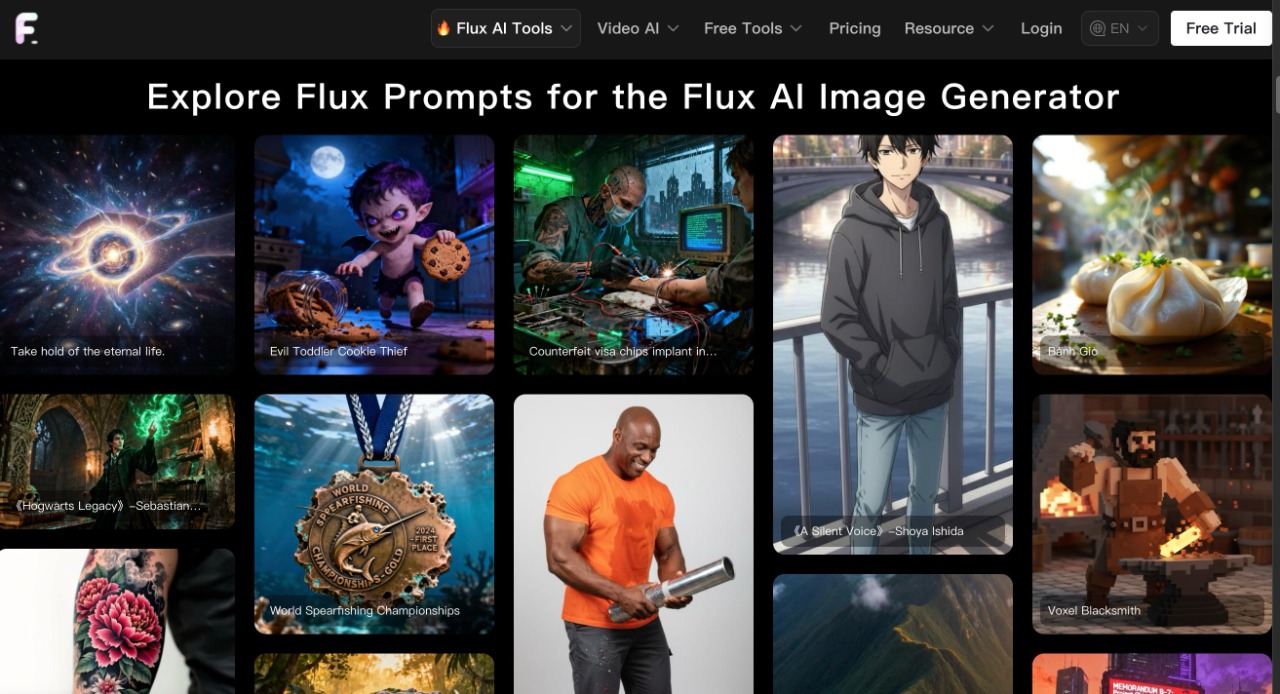
Flux emerged from Black Forest Labs as a powerful new option in the AI image generation space. The model quickly gained attention for its photorealism and prompt adherence. Multiple versions serve different needs and budgets.
Key Features
Flux Pro delivers professional-grade results with exceptional photorealism. The 12 billion parameter model produces detailed, accurate images. Prompt adherence is strong, making it reliable for specific requirements.
Flux Dev balances quality with processing speed. This version suits developers building applications that need consistent output. Generation times are faster than the Pro version.
Flux Schnell prioritizes speed over maximum quality. Images generate quickly for rapid prototyping and ideation. The free version is available through HuggingFace for testing.
Flux Kontext Max, a recent update, improved multi-image editing capabilities. Combine reference images to create new outputs with high fidelity. Style consistency across generations is a notable strength.
Image Quality
Photorealism is a defining characteristic of Flux models. Skin textures, lighting, and environmental details look natural. The model handles complex prompts with multiple elements accurately.
Artistic styles are achievable but require more specific prompting. The default aesthetic leans toward realistic rather than stylized. This suits commercial and product photography use cases.
Pricing
Flux Schnell is free through HuggingFace and select platforms. Flux Pro costs approximately $0.04 per image through API access. Various platforms like Leonardo AI and NightCafe include Flux models in their subscriptions.
Best For
Flux suits users who prioritize photorealism and accuracy. Product photography, realistic portraits, and commercial imagery are strong use cases. Access through multiple platforms makes it easy to try.
8. Reve Image: The Rising Star
Reve Image appeared seemingly from nowhere in March 2025 and immediately impressed the AI art community. The model jumped to the top of benchmark leaderboards and has maintained its position. It deserves attention as a serious best AI image generator contender.
Key Features
Prompt adherence is exceptional. Describe complex scenes with multiple specific elements, and Reve includes them accurately. This precision reduces the need for extensive regeneration and editing.
Multi-image editing capabilities stand out. Combine multiple reference images into cohesive new outputs. The model maintains consistency and quality when working with multiple sources.
Generation speed is competitive with other premium options. Results arrive quickly without sacrificing quality. This efficiency improves workflow for professional users.
Image Quality
Image quality rivals the best available tools. Details are sharp and well-rendered. Colors are accurate and compositions are balanced. The model handles various subjects and styles competently.
Photorealistic outputs look convincing. Artistic interpretations show creativity while respecting prompt requirements. Overall consistency is high across different generation types.
Pricing
Access is available through various platforms including Higgsfield AI. Pricing varies by platform but generally falls within industry norms. Check individual platforms for current rates and subscription options.
Best For
Reve Image suits users who need precise prompt adherence and high quality. Complex scenes with specific requirements benefit from its accuracy. The model is worth testing for anyone currently using other premium tools.
Best AI Image Generator Comparison Table
| AI Tool | Image Quality | Text Rendering | Photorealism | Ease of Use | Speed | Free Tier | Price ($/mo) | Best For |
|---|---|---|---|---|---|---|---|---|
| Midjourney V7 | 10/10 | 7/10 | 9/10 | 7/10 | 8/10 | No | $10-120 | Artistic work, concept art |
| DALL-E 3 | 8/10 | 9/10 | 8/10 | 10/10 | 7/10 | Yes (Bing) | $0-20 | Beginners, ChatGPT users |
| Leonardo AI | 8/10 | 6/10 | 8/10 | 8/10 | 8/10 | Yes (150 tokens) | $12-60 | Game assets, versatility |
| Adobe Firefly | 8/10 | 7/10 | 8/10 | 9/10 | 8/10 | Yes (Limited) | $5-10 | Commercial safety, Adobe users |
| Ideogram 3.0 | 8/10 | 10/10 | 8/10 | 9/10 | 8/10 | Yes (10 credits) | $7-48 | Text in images, posters |
| Stable Diffusion | 8/10 | 6/10 | 8/10 | 5/10 | 9/10 | Yes (Open source) | $0 (local) | Developers, customization |
| Flux Pro | 9/10 | 7/10 | 9/10 | 7/10 | 7/10 | Yes (Schnell) | $0.04/img | Product photos, realism |
| Reve Image | 9/10 | 7/10 | 9/10 | 8/10 | 8/10 | Platform dependent | Varies | Prompt adherence, multi-image |
Comparing Free AI Image Generator Options
Budget-conscious users have several legitimate free options available. Understanding what each offers helps you maximize value without spending money.
Best Free Choices
DALL-E 3 through Bing Image Creator provides genuine premium quality at no cost. You get 15 fast daily generations plus unlimited slower ones. This is arguably the best free AI image generator option available.
Leonardo AI offers 150 daily tokens free. This allows significant testing and light ongoing use. The platform’s versatility makes the free tier especially valuable.
Ideogram provides 10 daily credits generating up to 40 images. Text rendering capabilities are available even on the free tier. This is excellent for occasional design needs.
Craiyon (formerly DALL-E Mini) offers unlimited free generations. Quality is lower than premium tools but sufficient for casual use and experimentation.
Free Tier Limitations
Free options typically impose daily limits on generations. Queue times may be longer than paid tiers. Some advanced features remain locked behind subscriptions. Watermarks or attribution requirements may apply.
Despite limitations, free tiers allow thorough testing before committing to subscriptions. Try multiple platforms to find which best suits your workflow and aesthetic preferences.
Choosing the Right Tool
Selecting an AI image generator depends on your specific needs. Consider these factors when making your decision.
For Artistic and Creative Work
Midjourney leads for artistic quality and stylistic variety. The platform’s aesthetic sensibility produces visually striking results. Creative professionals and artists typically prefer Midjourney.
For Text in Images
Ideogram excels when your images need readable text. Posters, social media graphics, and marketing materials with text elements benefit from its accuracy. No other tool matches its text rendering capabilities.
For Commercial Safety
Adobe Firefly provides the clearest licensing for business use. Training on licensed content reduces legal uncertainty. Enterprises and agencies appreciate this peace of mind.
For Beginners
DALL-E 3 through ChatGPT offers the gentlest learning curve. Conversational prompting removes technical barriers. The free Bing option makes it risk-free to start.
For Technical Users
Stable Diffusion provides maximum control and customization. Open-source flexibility enables unique applications. The cost savings at scale can be significant.
For Versatility
Leonardo AI offers the broadest feature set in one platform. Image generation, video, 3D textures, and editing tools serve diverse needs. The free tier is generous enough for thorough evaluation.
Tips for Better Results
Regardless of which tool you choose, these practices improve your outcomes with any best AI image generator.
Write Specific Prompts
Vague descriptions produce unpredictable results. Include details about subject, style, lighting, composition, and mood. Specific prompts give the AI clear direction.
Use Reference Images When Available
Many platforms accept image inputs alongside text prompts. Reference images communicate visual ideas more precisely than words alone. Use this feature when available.
Iterate and Refine
First generations rarely match your vision perfectly. Generate variations, adjust prompts, and regenerate. The iteration process is normal and expected.
Learn Platform-Specific Syntax
Each tool has unique parameters and modifiers. Midjourney uses dashes for settings like aspect ratio. Other platforms have their own conventions. Learning these improves your control.
Save Successful Prompts
When you achieve great results, save the prompt that created them. Build a library of effective prompts for future reference. This saves time on similar projects.
Common Mistakes to Avoid
New users often make similar errors when starting with AI image generators. Avoiding these mistakes saves time and improves results.
Writing Vague Prompts
Prompts like “a nice picture” or “something cool” produce random results. The AI needs specific direction. Describe the subject, setting, style, colors, and mood. More detail gives better control over outputs.
Ignoring Negative Prompts
Most platforms support negative prompts that exclude unwanted elements. Use them to remove common issues like extra fingers, blurry backgrounds, or unwanted objects. This feature significantly improves output quality.
Expecting Perfection on First Try
AI image generation requires iteration. Plan to generate multiple versions and refine your prompt based on results. Professional users often generate dozens of variations before finding the right image.
Using the Wrong Tool for the Job
Each platform has strengths and weaknesses. Using Midjourney for text-heavy graphics wastes time. Choosing Stable Diffusion when you need simplicity creates frustration. Match the tool to your specific requirements.
Overlooking Aspect Ratio Settings
Default square images work for some uses but not all. Social media platforms, presentations, and websites need specific dimensions. Set the correct aspect ratio before generating to avoid cropping issues later.
Industry Use Cases
Different industries apply AI image generators in unique ways. Understanding these applications helps identify how you might use these tools.
Marketing and Advertising
Marketing teams use AI generators for social media content, ad creatives, and campaign visuals. The speed advantage is significant. Generate dozens of concepts in hours rather than days. A/B testing becomes easier with more visual options available.
E-commerce and Product Photography
Product images benefit from AI enhancement and generation. Create lifestyle shots showing products in various settings. Generate background variations for the same product. Reduce photography costs while increasing visual variety.
Game Development
Game studios use AI for concept art, texture generation, and asset creation. Leonardo AI particularly serves this market with 3D-ready outputs. Rapid prototyping accelerates the design process significantly.
Publishing and Media
Publishers generate illustrations, cover art, and editorial imagery. Ideogram’s text rendering helps create magazine covers and book jackets. The cost savings compared to traditional illustration are substantial.
Architecture and Interior Design
Designers visualize spaces before construction or renovation. AI generates room layouts, furniture arrangements, and material options. Clients see realistic previews of proposed designs quickly.
Future of AI Image Generation
The technology continues advancing rapidly. Understanding where the field is heading helps inform current decisions.
Video Integration
Most platforms now offer image-to-video features. Expect this capability to expand and improve. Static image generation and video creation will merge into unified workflows.
Real-Time Generation
Draft modes and faster processing point toward real-time generation. Voice-controlled creation already exists in some platforms. Interactive, conversational image creation will become standard.
Better Text Rendering
Text accuracy improves with each model update. The gap between Ideogram and competitors continues narrowing. Eventually, all major platforms will handle text reliably.
Enhanced Consistency
Character and style consistency across multiple generations improves steadily. Creating coherent image series for stories, brands, or products becomes easier with each update.
Accessibility
Prices continue dropping while free tiers expand. Premium quality becomes available to more users. The barrier to entry lowers continuously.
Conclusion
The best AI image generator depends on your needs. Midjourney excels at artistic quality. DALL-E 3 offers easy ChatGPT integration. Ideogram leads in text rendering. Leonardo AI provides versatility. Adobe Firefly ensures commercial safety.
Your ideal choice depends on your priorities. Consider what matters most: artistic quality, ease of use, specific features, or budget. Most platforms offer free trials or tiers that let you test before committing.
Start with the tool that best matches your primary use case. As your needs evolve, you may find value in using multiple platforms for different projects. The technology continues improving rapidly, so stay open to new options as they emerge.
FAQ
Which AI image generator is completely free?
DALL-E 3 through Bing Image Creator offers free access to premium-quality generation. Leonardo AI provides 150 free daily tokens. Ideogram gives 10 free daily credits. Craiyon allows unlimited free generations at lower quality.
What is the best AI image generator for beginners?
DALL-E 3 through ChatGPT is the most beginner-friendly option. The conversational interface requires no technical knowledge. ChatGPT helps refine prompts automatically.
Which tool creates the most realistic images?
Midjourney V7, Flux Pro, and Reve Image all produce highly photorealistic results. Each excels in different scenarios. Testing with your specific needs reveals which works best for you.
Can I use AI-generated images commercially?
Most paid subscriptions include commercial usage rights. Adobe Firefly specifically trains on licensed content for commercial safety. Check each platform’s terms for specific licensing details.
How much do AI image generators cost?
Free options exist for all major platforms. Paid subscriptions typically range from $10-60 per month. API pricing starts around $0.02-0.05 per image for usage-based billing.